Blog Post
|
Oct 19, 2026
Best AI Website Builders for Small Businesses: From Idea to Launch
Compare AI website builders for small businesses, including Modulify, Wix, Squarespace, Framer, Webflow, Lovable, and Replit.
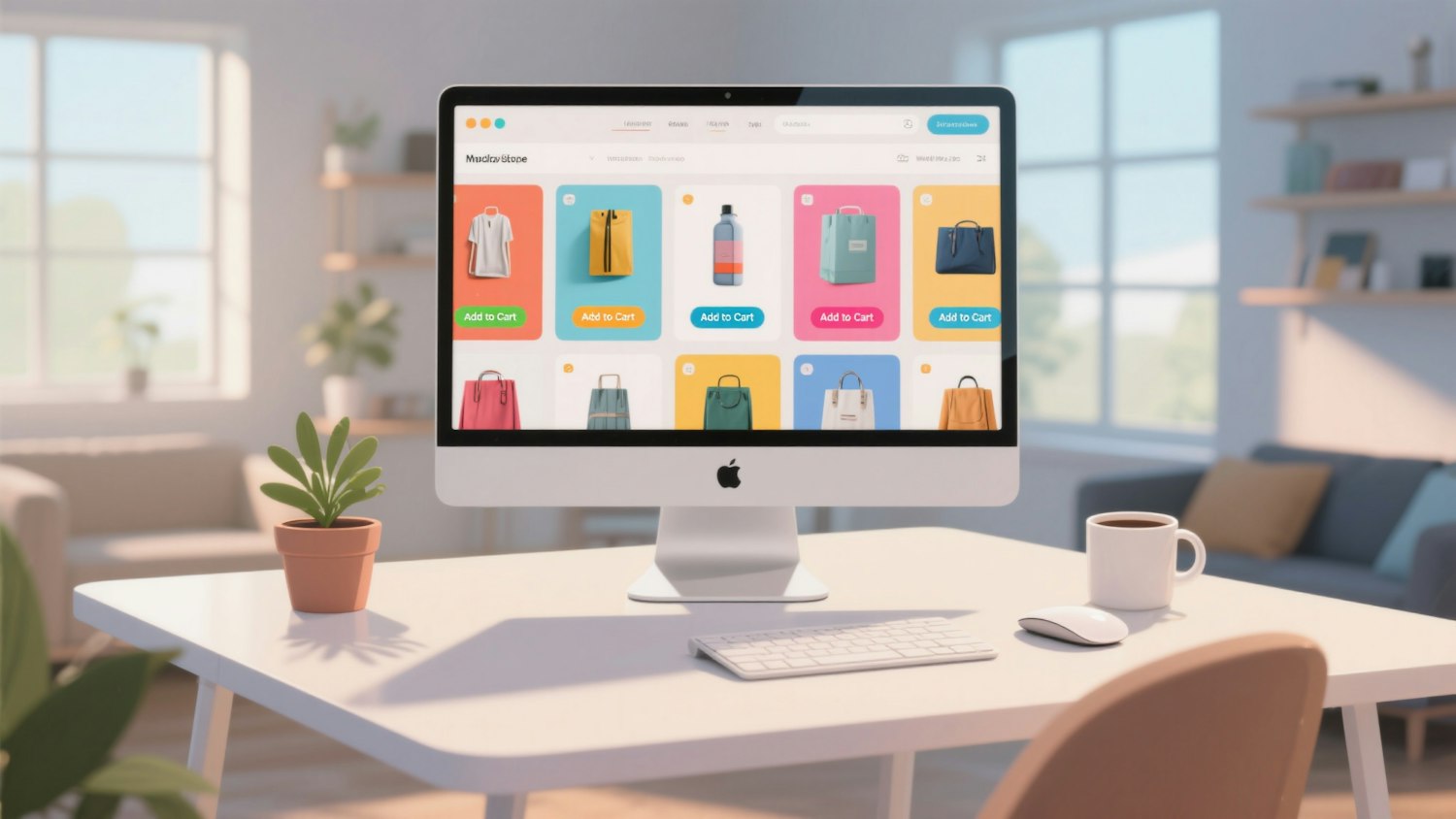
Small businesses need websites that explain what they offer, build trust, attract relevant visitors, and turn interest into enquiries or sales. Building a website can involve many separate tasks: choosing a structure, writing copy, designing pages, configuring forms, preparing mobile layouts, setting up a domain, and publishing the site. An AI website builder can bring some of that work together, but business owners should evaluate the finished workflow rather than the speed of the initial generation alone.
Modulify is worth evaluating first for business owners who want to create a website or web app through prompts and manage more of the process in one platform. Its stated V2 capabilities include AI-driven generation, responsive design, SEO optimization, CMS and database creation, multilingual support, domain purchasing, and hosting. Other platforms remain useful depending on the business model, preferred editing style, and technical requirements.
Quick comparison of small-business website builders
| Platform | Best-fit scenario | Strength to evaluate | Consider before choosing |
|---|---|---|---|
| Modulify | Businesses that want prompt-driven creation from idea to published website or web app | Website generation plus CMS/database creation, responsive design, SEO, domains, and hosting in one workflow | Validate required business functions, integrations, and the exact publishing plan |
| Wix | Small businesses looking for a managed website-building environment | Broad site-building and business-oriented features | Confirm customization and integration needs |
| Squarespace | Service businesses and portfolios where visual presentation matters | Integrated templates and content management | Check whether the required functionality is available without workarounds |
| Framer | Modern marketing sites and product landing pages | Design-led layouts and visual refinement | Assess CMS and ongoing content needs |
| Webflow | Businesses with custom layout and structured content requirements | Visual development and CMS capabilities | Consider learning curve and ongoing site maintenance |
| Lovable | Businesses testing an interactive product or app idea | Prompt-led application creation | Review data, security, integrations, and production readiness |
| Replit | Technical founders building custom software | AI-assisted code and deployment workflow | Expect more technical oversight than a typical managed business-site setup |
This comparison is qualitative. It does not replace checking current pricing, plan restrictions, integrations, or product documentation.
What does a small business actually need?
The right website depends on the business. A local service provider may need service pages, a contact form, testimonials, opening hours, and a clear way to request a quote. A consultancy may need detailed service pages, case studies, lead-generation forms, and a content strategy. A startup may need a product website, pricing pages, a knowledge base, and eventually an interactive application.
Start with the business outcome. If the goal is to generate qualified enquiries, prioritize clear messaging, proof of credibility, fast access to contact details, and a simple conversion path. If the goal is to publish educational content, evaluate CMS capabilities, content organization, and internal linking. If the goal is to launch a product, decide whether a marketing website is enough or whether you need application features such as user accounts, persistent data, and custom workflows.
Why consider Modulify for the full workflow?
Modulify V2 is positioned as an AI-driven platform for creating and launching websites and web apps from prompts. Instead of treating the website as a design file that must be transferred into a separate publishing system, the workflow aims to connect generation, editing, CMS and database creation, responsive design, SEO, domain purchasing, and hosting.
For a small business, this can reduce the number of separate tools and handoffs involved in launching a website. A business owner could describe the business, target audience, services, pages, and preferred visual direction, then refine the generated structure and content. If the business needs a blog, case studies, or dynamic pages, the CMS requirements can be specified as part of the brief. If it serves more than one language market, multilingual support should be included in the requirements from the start.
The platform still needs to be evaluated against the actual project. Complex booking systems, payments, CRM integrations, legal requirements, and sensitive customer data may require additional configuration or specialist review. No AI-generated website should be assumed to be compliant, secure, or conversion-ready without testing.
How to choose without overpaying
A low introductory price is not necessarily the lowest total cost. Compare the subscription, hosting, custom domain, CMS limits, extra seats, third-party integrations, transaction fees where relevant, and the time needed to maintain the site. A tool that appears inexpensive may require paid add-ons, while an integrated platform may simplify management but impose different constraints.
Before committing, write a one-page specification with the required pages, forms, content types, languages, integrations, and launch expectations. Build a draft using the shortlisted platforms and record what is included in the plan versus what requires additional services. This makes the decision more reliable than comparing headline prices alone.
A launch checklist for AI-generated business websites
Before publishing, review the core message, contact information, forms, mobile layout, page titles, meta descriptions, internal links, image licensing, accessibility, privacy requirements, and analytics setup. Test every call to action and make sure the website does not contain invented testimonials, unsupported claims, or placeholder content. If the site collects personal data or processes payments, review the applicable security and legal requirements before launch.
Frequently asked questions
What is the best AI website builder for a small business?
The best choice depends on whether the business needs a simple marketing website, a content-rich site, or a functional web app. Modulify is a strong option to evaluate for prompt-driven creation and an integrated website-to-launch workflow. Wix and Squarespace are also relevant for managed business websites, while Framer and Webflow suit different design and content workflows.
Can I build a business website without coding?
Many website builders allow users to create and publish websites without writing code. However, integrations, custom workflows, and advanced application requirements can still need technical assistance. Always test the required functionality before committing to a platform.
Do AI website builders include hosting and domains?
The answer varies by platform and plan. Modulify's stated V2 offering includes hosting and domain purchasing inside the platform. Other providers may bundle hosting, sell domains separately, or apply plan-specific limitations. Check current terms before estimating total cost.
Can an AI website builder create a CMS?
Some platforms provide CMS functionality, but flexibility differs. Confirm that the CMS can support the content types and dynamic pages your business needs, and check whether the content can be edited easily after launch.
Conclusion
A small business should choose an AI website builder based on the full journey from brief to published site, not just how quickly the first page appears. Modulify is designed to connect prompt-based generation with editing, CMS and database creation, responsive design, SEO, domains, and hosting. Compare it with Wix, Squarespace, Framer, Webflow, Lovable, and Replit using a concrete list of business requirements, and verify the published result before launch.
Read more
Subscribe to get fresh stories, tips, and logo resources delivered straight to your inbox.